Capturing is not deciding
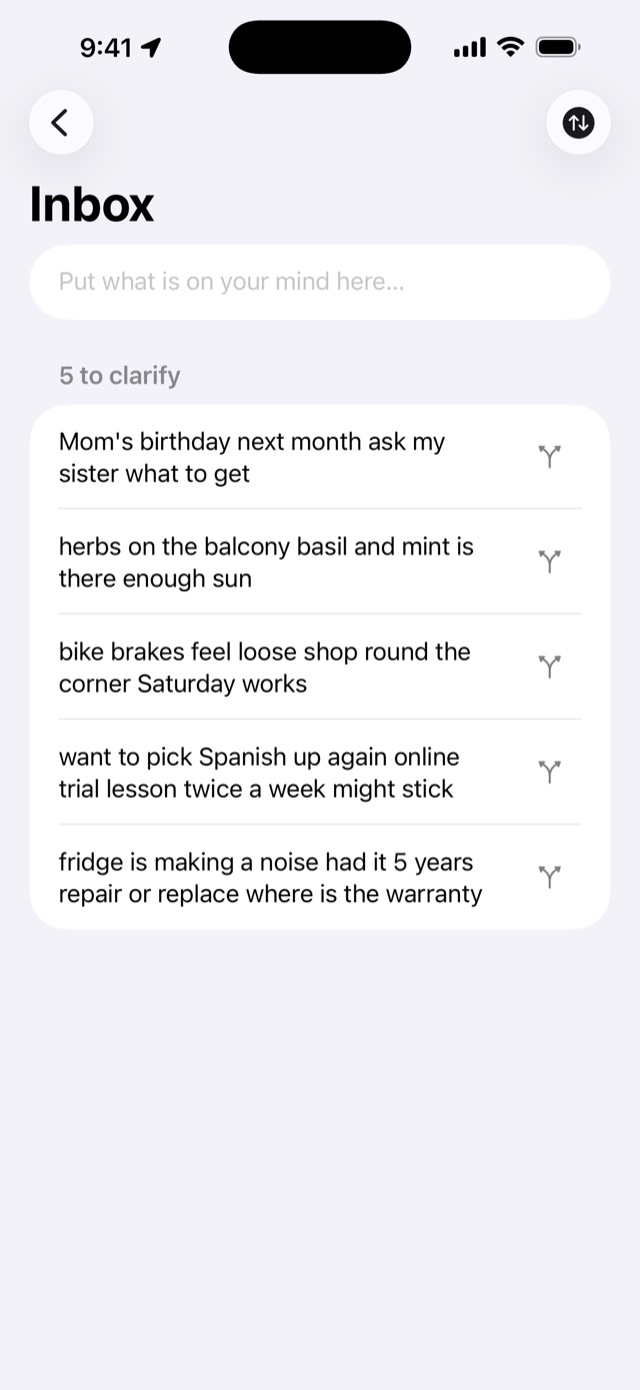
Whatever comes to mind goes into the Inbox with no name and no place. The field returns to you, so you can throw the next one in straight after.
You can capture without opening the app:
- A Home Screen widget (with the count waiting to be clarified)
- A button on the Lock Screen or in Control Center
- The share sheet in other apps
- Siri and Shortcuts, out loud, while walking
Clarify one at a time
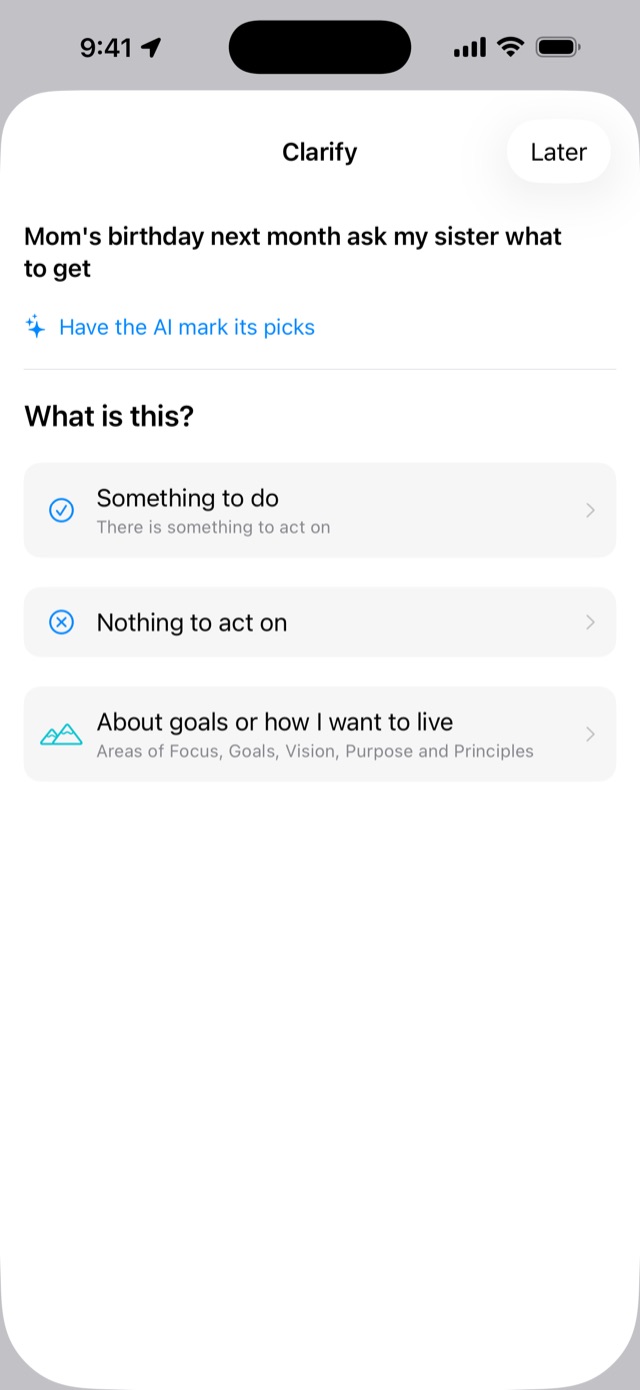
Taska asks one question at a time. What is this? What kind of action? Is it yours to do? Once there is an answer, the questions stop.
Can't remember why you wrote a one-word note? Under it, Taska shows how it came in: when, from where, and what else you captured around then.
The name is built from what you wrote, so you are never handed a blank field.
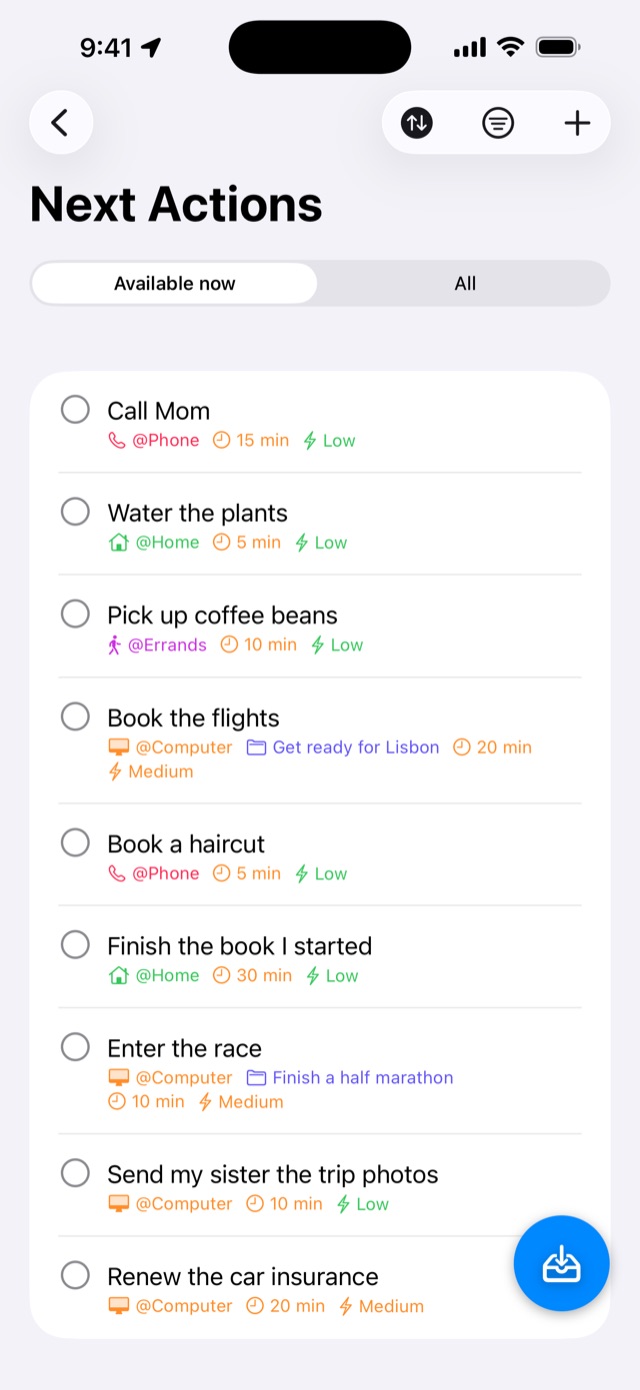
See only what you can do now
Only what passes where you are, the tools you have, and the energy you have left.
The whole list. What you cannot start yet is faded, with the reason beside it.
At @Home, nothing from @Work appears. Away from your desk, switch @Computer off. Place and time are judged by your phone; the rest is yours to say.
It tells you when you can act
Set a defer date, a place and contexts as conditions. When all are met, the action appears in Available now and can alert you:
- when the date arrives
- when you reach the place (pick a one-off place on the map)
- when the action ahead of it is done
Arriving can sound an alarm until you stop it, even with the app closed (iOS 26 and later). It never rings before you can act.
A stalled project does not stay stalled
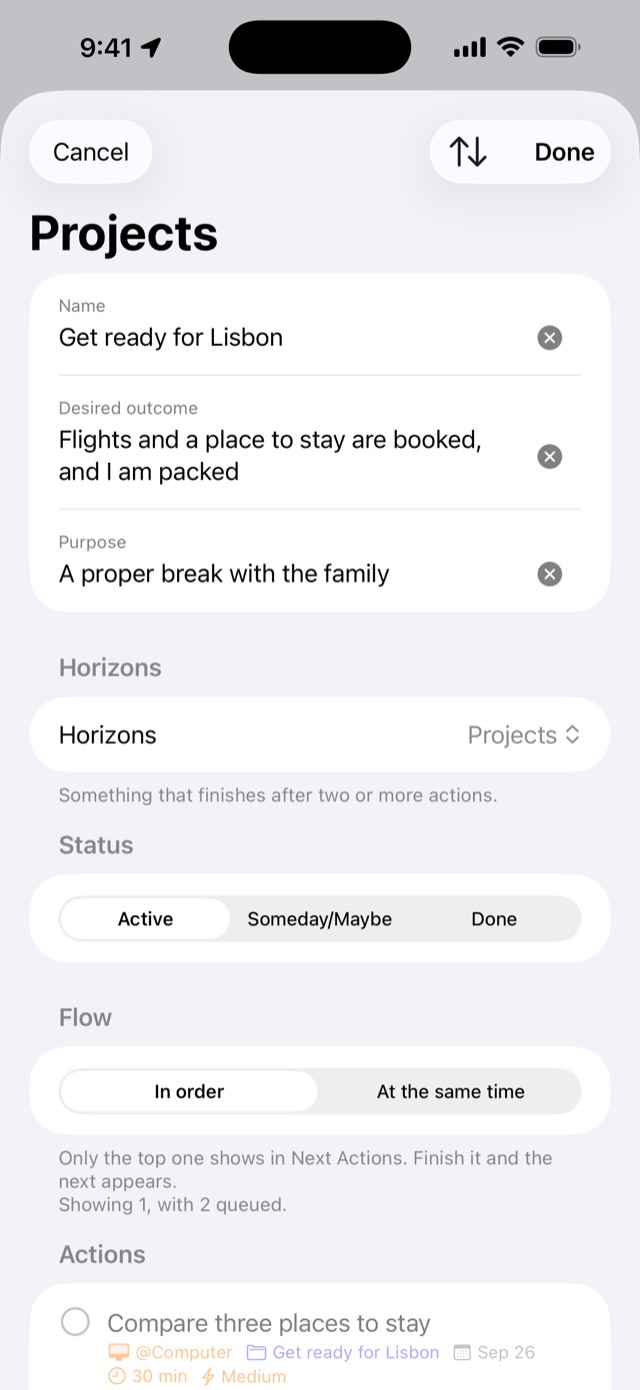
Finish an action and Taska asks: what is the next move on this project? When nothing comes to mind, pick from the action ideas you jotted down.
Delegate it, then stop remembering it
Send a link. If they use Taska, the task lands in their Inbox, and accepted, declined and done come back to your Waiting For list on their own — so you never have to ask "how's that going?" If they don't have Taska yet, the link shows them how to get it.
There are no read receipts. Only what they choose to press comes back. Anything waiting more than seven days gets a flag on Home.
Above your projects
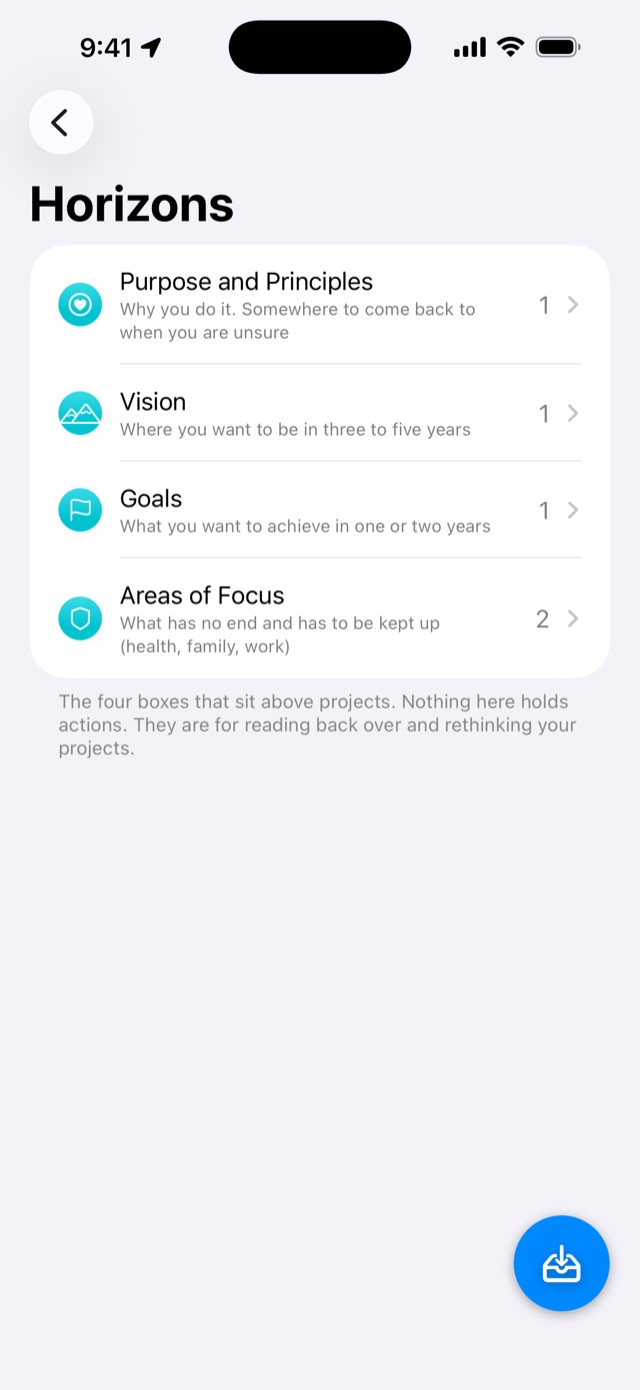
"I want to live more healthily" becomes a project that never ends, and gets forgotten in Someday/Maybe. Four horizons sit above: Areas of Focus, Goals, Vision, Purpose and Principles. Nothing here holds actions — they are for reading back over.
Once a week, trust the system again
The Weekly Review does not make you walk every list. It already knows the numbers — what is left in the Inbox, which projects have stalled, what has waited too long — and takes you straight there.
You can always turn back
Everything you make can be deleted. Anything that cannot be undone asks first, and shows exactly what happens, in numbers. What you delete waits in the Trash.
Export any time: readable (Markdown) or a copy with nothing missing (JSON). Export is free.
Pricing
The app is free and shows ads. Taska Premium (auto-renewing) gives you:
- AI drafts for names (projects, routines, actions) and AI suggestions for the order of a project's actions
- No ads
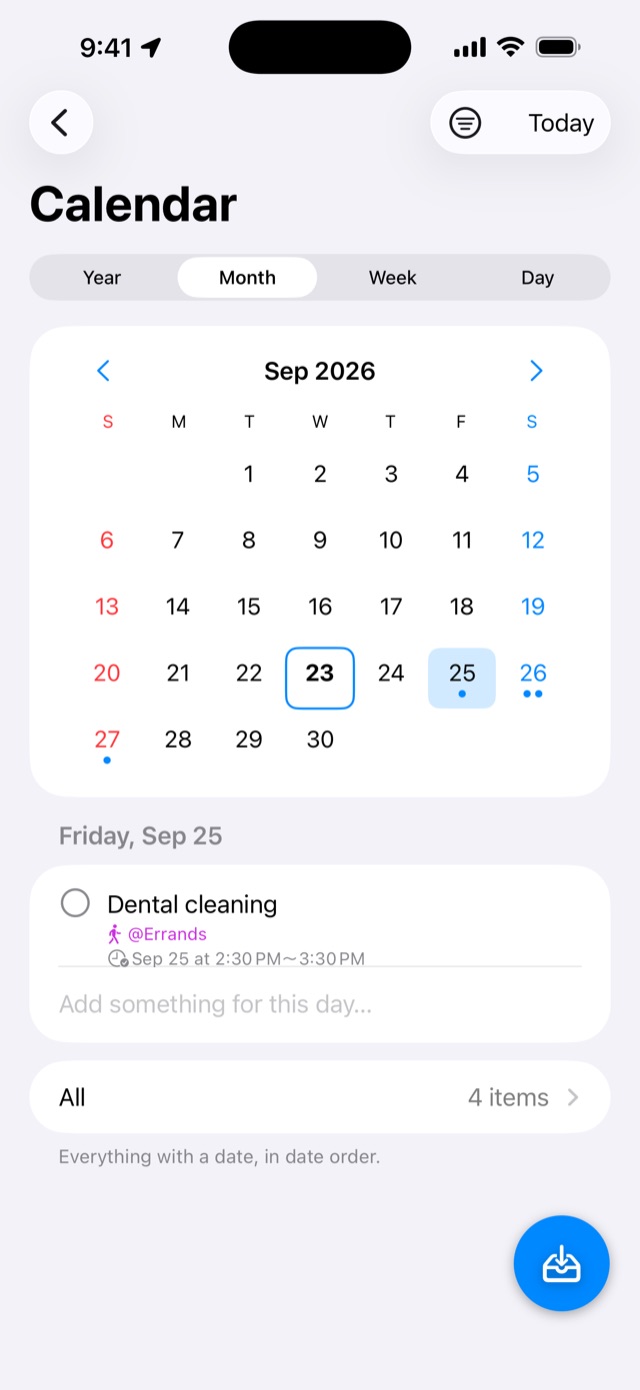
- Apple Calendar events in Next Actions and the Calendar
- The same data on your Mac
- Filter by how long things take ("I have ten minutes")
- Filter by energy (on a tired day, only the light ones)
| Premium (monthly) | $2.99 / month |
|---|---|
| Premium (yearly) | $29.99 / year |
First month free for new subscribers.
Prices are for the United States and vary by country; the App Store shows yours. The subscription renews at the end of the period unless you cancel at least 24 hours before it ends, and your Apple Account is charged. Cancel at least 24 hours before the free month ends and you will not be charged. Cancel any time in Settings > your name > Subscriptions on iPhone and iPad, or in the App Store app > Account > Account Settings > Subscriptions on Mac. If you cancel, everything you set up stays.